

Cricut Tutorials & Guides
Welcome to our Cricut tutorials hub — your go-to resource for learning everything about Cricut machines and Cricut Design Space. Whether you just unboxed your first Cricut or you're looking to sharpen your skills, our step-by-step guides cover it all: uploading SVG files, using Design Space tools like Weld, Slice, and Attach, troubleshooting common cutting problems, and getting the best results from every project. Each tutorial is written specifically for beginners with clear instructions and real examples. Start learning and start creating with confidence.
Cricut Tutorials & Guides Articles
 Cricut Tutorials & Guides
Cricut Projects for Beginners: First 5 Projects to Try
Cricut Projects for Beginners: First 5 Easy Projects to Try You just unboxed your brand-new Cricut machine. It’s sitting on...
Read More → Cricut Tutorials & Guides
How to Use SVG Files in Cricut Design Space: Beginner’s Guide 2026
So you’ve just unboxed your brand new Cricut machine, and now you’re staring at the screen wondering — “How do...
Read More →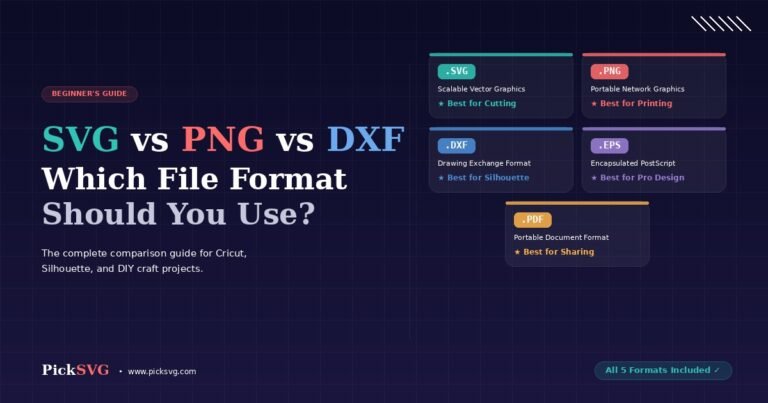 Cricut Tutorials & Guides
SVG vs PNG vs DXF: Which File Format Should You Use?
You just downloaded an SVG file from PickSVG and noticed the ZIP folder contains five different file formats — SVG,...
Read More → Cricut Tutorials & Guides
What is an SVG File? Everything Cricut Beginners Need to Know
If you’ve recently purchased a Cricut or Silhouette cutting machine, you’ve probably seen the term “SVG file” everywhere — on...
Read More →
©2026 All Rights Reserved